Native vs Cross-Platform App Development: Which Should You Choose in 2026?
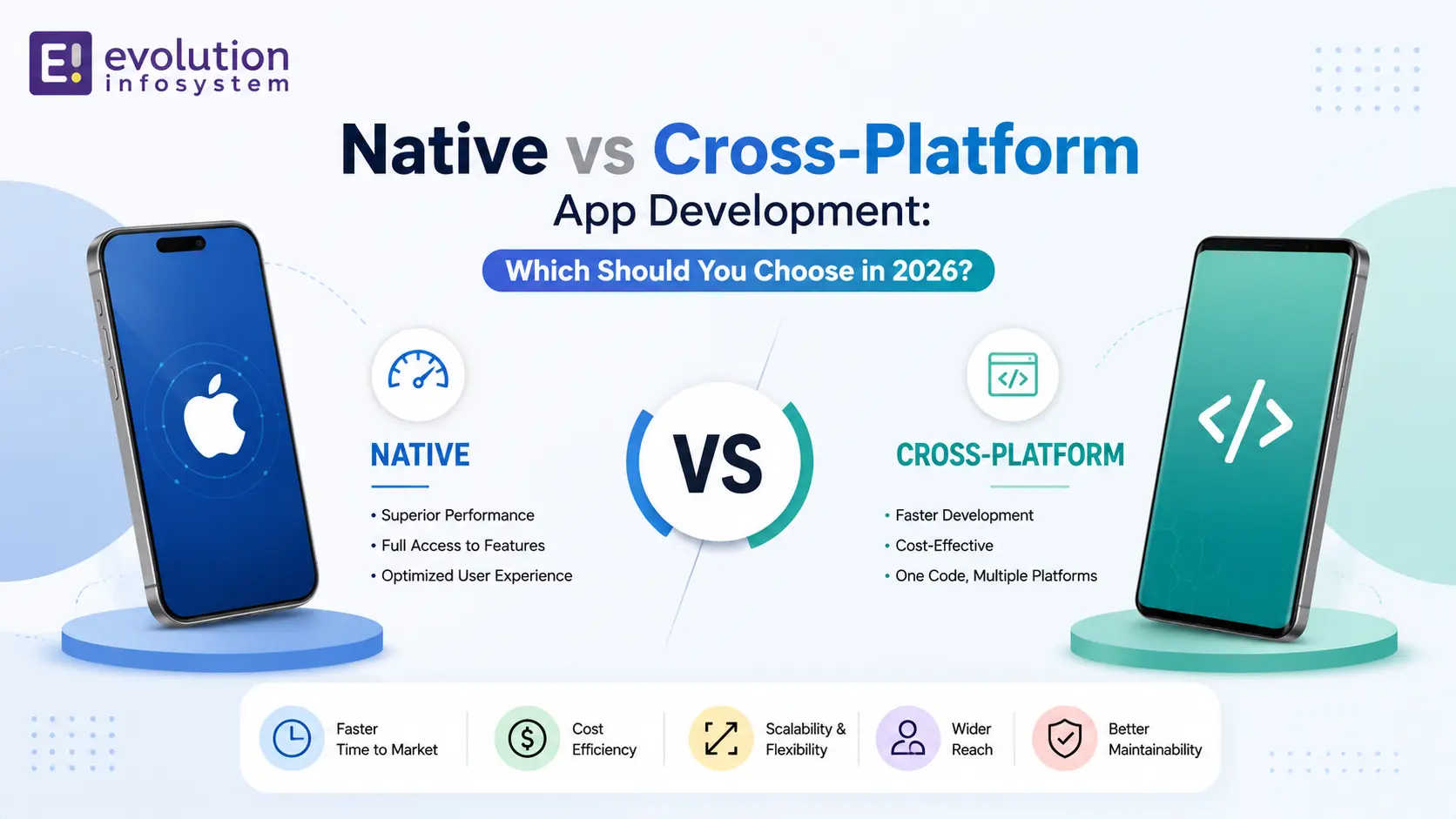
Introduction
Every founder building a mobile product eventually hits the same fork in the road: native vs cross-platform app development. The decision shapes your budget, your timeline, and how your app feels in a user’s hand for years to come.
There is no universally “right” answer here – only the right answer for your specific app, team, and timeline. This guide breaks down the real tradeoffs so you can make that call with confidence instead of guessing.
We wrote this from Evolution Infosystem’s own project experience, having shipped both native Swift/Kotlin apps and Flutter/React Native cross-platform apps across healthcare, retail, and enterprise clients.
What Native App Development Actually Means
Native app development means building a separate app for each platform using that platform’s own language and SDK – Swift or Objective-C with UIKit/SwiftUI for iOS, and Kotlin or Java with Jetpack Compose for Android.
Because the code talks directly to the operating system, a native app gets first access to every new OS feature, hardware capability, and performance optimization the moment Apple or Google ships it. There is no framework layer sitting in between.
This is why native app development remains the default choice for apps that lean heavily on device hardware – Apple Pencil input, ARKit, advanced camera pipelines, or Bluetooth-heavy IoT integrations.
What Cross-Platform App Development Actually Means
Cross-platform app development means writing one codebase that compiles down to both iOS and Android apps, using frameworks like Flutter (Dart) or React Native (JavaScript/TypeScript).
Modern cross-platform frameworks have closed most of the performance gap that used to exist. Flutter, in particular, compiles to native ARM code and renders its own UI engine, giving it performance close to native for the vast majority of business apps.
The core appeal is simple: one engineering team ships to both app stores at once, instead of maintaining two separate codebases that need to stay in sync every time a feature changes.
Native vs Cross-Platform: Full Comparison
| Factor | Native App Development | Cross-Platform App Development |
|---|---|---|
| Languages | Swift/SwiftUI (iOS), Kotlin (Android) | Flutter (Dart), React Native (JS/TS) |
| Performance | Best possible, direct OS access | Very good, occasionally behind on heavy animation |
| UI fidelity | Matches platform conventions exactly | Close, needs tuning to avoid an “off-platform” feel |
| Development cost | Higher – effectively two builds | Lower – one team, one codebase |
| Time to market | Slower for a dual-platform launch | Faster, the main reason startups choose it |
| Access to new OS features | Immediate, same day as OS release | Delayed until framework or plugin support lands |
| Code reuse | None between platforms | Typically 70-90% |
| Maintenance | Two codebases to keep in sync | One codebase, generally cheaper long term |
| Best for | Hardware-heavy, performance-critical, enterprise apps | MVPs, most business and utility apps |
When Native App Development Is the Right Call
→ Your app depends on cutting-edge hardware features.
Apple Pencil precision input, ARKit-based augmented reality, or advanced camera and sensor pipelines all perform best – and sometimes only work reliably – in native code.
→ You need the app to feel indistinguishable from a first-party app.
Enterprise tools, healthcare apps, and finance apps where trust and platform-native feel matter are usually worth the extra native investment.
→ Long-term performance at scale matters more than initial speed.
Apps with heavy data visualization, complex animations, or large offline datasets tend to stay smoother on native architecture as they grow in complexity.
→ You are only targeting one platform.
If your entire user base is on iPhone or entirely on Android, cross-platform’s main advantage – one codebase for two stores – simply doesn’t apply.
When Cross-Platform App Development Is the Right Call
→ You need to validate an idea quickly.
Startups testing product-market fit benefit enormously from shipping to both app stores from a single codebase, saving months of parallel development.
→ Budget is a real constraint.
Maintaining one codebase instead of two cuts both initial development cost and ongoing maintenance cost significantly, which matters for bootstrapped teams.
→ Your app is a standard business, content, or e-commerce app.
Most CRUD-heavy apps – bookings, catalogs, dashboards, social feeds – don’t push hardware limits enough for the native advantage to outweigh the cost and speed benefits of cross-platform.
→ Your team is already JavaScript or Dart-fluent.
Leveraging existing web development skills through React Native or Flutter often gets a competent app shipped faster than hiring separate iOS and Android specialists from scratch.
Flutter vs React Native: A Quick Note
Within cross-platform, the choice usually comes down to Flutter or React Native. Flutter renders its own UI engine independent of the platform, which gives it more consistent performance and pixel-perfect custom design control. React Native bridges to native components directly, which can mean better platform-native look and feel out of the box, along with a larger existing ecosystem of JavaScript talent to hire from.
Neither is universally better – the right pick often comes down to your team’s existing language skills and how custom your UI design needs to be.
Hybrid Approach: Native Where It Counts
Many production apps don’t pick one extreme. A common pattern is building the core app in a cross-platform framework, then dropping into native modules for the one or two features that genuinely need it – a camera-heavy scanning screen, a Bluetooth device pairing flow, or an Apple Pencil-based drawing canvas.
This hybrid approach captures most of the cost and speed benefit of cross-platform development while still getting native-grade performance exactly where it matters most.
How Evolution Infosystem Helps You Decide
Evolution Infosystem builds both native and cross-platform apps, which means the recommendation you get is based on your actual requirements, not which framework the agency happens to specialize in.
A short discovery call typically covers your target platforms, hardware dependencies, timeline, and budget, and ends with a clear, honest recommendation – including cases where the honest answer is “cross-platform is cheaper and you won’t notice the difference.”
Explore the team’s iOS app development and Android app development services for native builds, or Flutter app development and React Native app development for cross-platform builds. For apps with a heavy tablet or large-screen use case, the iPad app development page covers that specialization specifically. You can also browse the full mobile app development overview or review real project outcomes on the case studies page.
Frequently Asked Questions
Is native app development more expensive than cross-platform?
Yes, native app development is typically more expensive because it requires building and maintaining two separate codebases – one for iOS and one for Android – rather than a single shared codebase.
Can a cross-platform app access native device features like the camera or GPS?
Yes, both Flutter and React Native support native device features through plugins and native modules, though highly specialized or brand-new OS features may take longer to become available than in a pure native build.
Is Flutter or React Native better for performance?
Flutter generally delivers slightly more consistent performance because it renders its own UI engine rather than bridging to native components, but for most standard business apps, the difference is not noticeable to end users.
Should a startup MVP be built native or cross-platform?
Most startup MVPs are better served by cross-platform development, since the priority is validating the idea quickly across both app stores with a smaller engineering budget.
Can I switch from cross-platform to native later if my app grows?
Yes, many successful apps start cross-platform and later rebuild specific performance-critical or hardware-heavy screens natively, keeping the rest of the app on the original cross-platform codebase.
Final Thoughts
The native vs cross-platform decision isn’t about which technology is objectively better – it’s about matching the right tool to your app’s actual requirements, timeline, and budget.
If your app leans on cutting-edge hardware or needs to feel completely indistinguishable from a first-party platform app, native is worth the investment. If you’re validating an idea, working with a tighter budget, or building a standard business app, cross-platform will very likely get you to market faster without a noticeable tradeoff for your users.
Not sure which approach fits your project?
Get a free consultation with Evolution Infosystem and get an honest recommendation based on your actual requirements.