Wearable App Development: What's Actually Being Built on Apple Watch and Wear OS
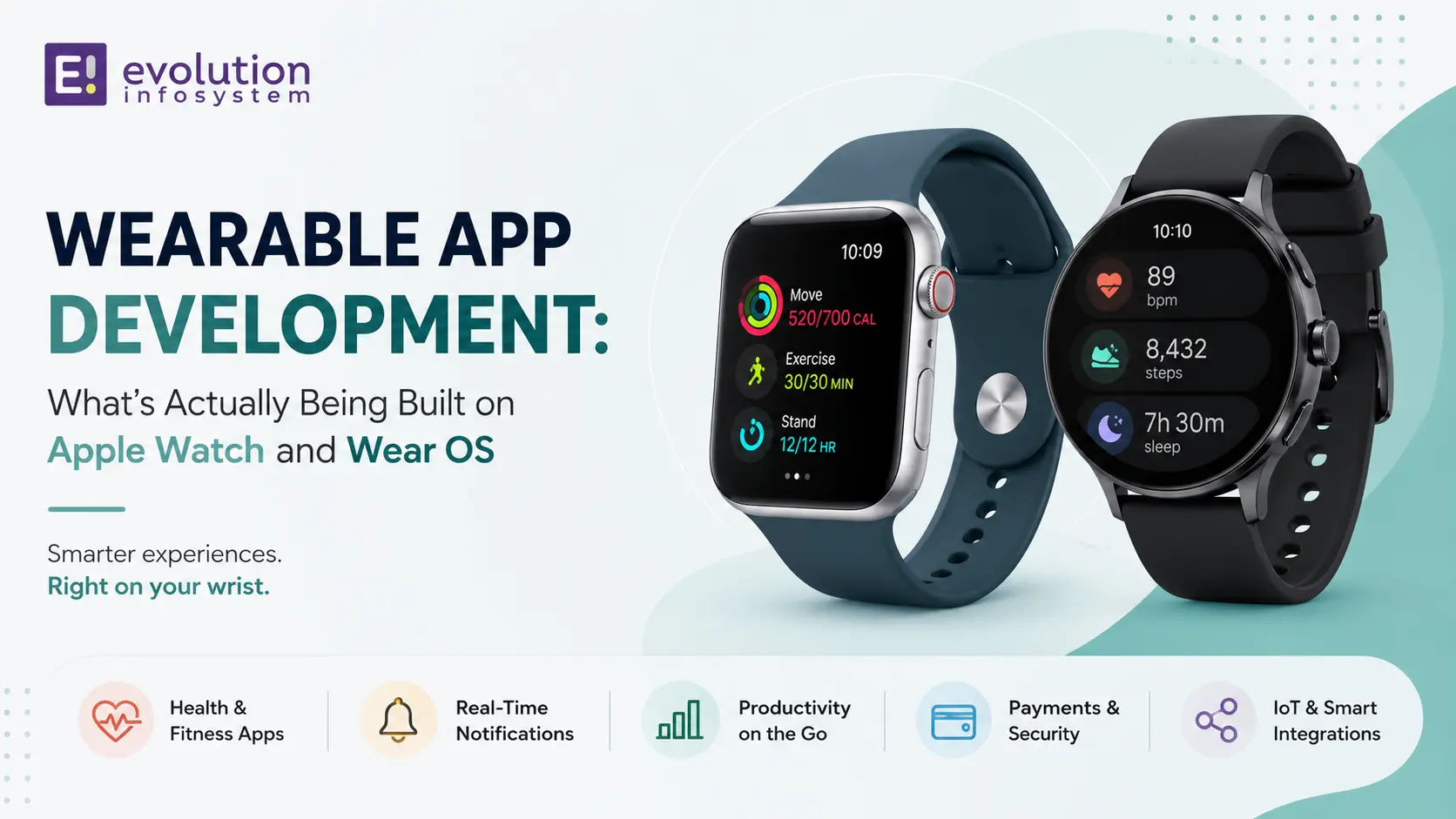
The Apple Watch now outsells the entire Swiss watch industry by unit volume. Wear OS powers devices from Google, Samsung, Fossil, and a growing list of manufacturers. Global smartwatch shipments exceeded 200 million units annually.
These are consumer numbers. The business opportunity in wearable app development runs alongside them – and it’s more practical, more focused, and more commercially grounded than most businesses realise.
Wearable app development is not about building the next fitness tracker. It’s about identifying the specific interactions in your product or operation that happen better on a device on someone’s wrist than on a phone in their pocket or a laptop on their desk. When you find those interactions, wearable apps deliver genuine value. When you don’t – when you build a wearable app because it seems innovative – you get an app nobody uses.
Here’s what’s actually being built and what makes it work.
The Design Constraint That Shapes Everything
Before use cases, understand the constraint: a wearable app is glanceable or it’s nothing.
Users interact with a smartwatch for 2–5 seconds at a time. They raise their wrist, absorb information or take a single action, and lower it. Any app experience that requires more than 2–5 seconds of attention is fighting the platform’s fundamental UX model.
This constraint eliminates entire categories of applications – anything requiring reading, complex input, or extended interaction. It defines what remains: notifications, status checks, single-tap actions, short voice inputs, and contextual information delivered at the right moment without requiring the user to seek it out.
Every good wearable app is designed around this constraint. Every bad wearable app ignores it.
What’s Actually Being Built
Healthcare and Clinical Monitoring
This is the wearable use case with the clearest, most documented business value.
Apple Watch’s health sensors – ECG, blood oxygen, heart rate variability, fall detection, and crash detection – have produced documented cases of detecting cardiac events, alerting emergency services after falls, and identifying atrial fibrillation in users who were asymptomatic.
In clinical and enterprise healthcare settings, wearable apps extend this to:
→ Patient vital sign monitoring.
Continuous heart rate and oxygen saturation data from patient wearables feeds into clinical dashboards in real time. Nurses are alerted to deteriorating vitals without manual rounding checks. Studies of hospital programs using continuous wearable monitoring report significant reductions in code blue events and ICU transfers.
→ Staff safety and duress.
In lone worker environments – home healthcare, security, field service – an Apple Watch with a custom app provides a discreet SOS function. One press alerts a monitoring centre with the worker’s GPS location. Fall detection adds passive monitoring. The wristwatch form factor is specifically valuable here because it doesn’t require reaching for a phone.
→ Medication adherence.
A wearable notification at medication time – with a single “taken” confirmation tap – achieves higher adherence rates than phone notifications for patients who keep their phone out of reach.
→ Post-discharge monitoring.
Apple Watch and Wear OS apps can track recovery metrics – activity levels, resting heart rate trends – and alert clinical teams to concerning patterns before they require readmission. Several major hospital systems have deployed this model for post-cardiac surgery monitoring.
Field Operations and Logistics
In environments where workers have their hands occupied – warehouses, manufacturing floors, construction sites, utilities – a wristwatch is the only viable UI for real-time operational information.
→ Warehouse picking assistance.
Wear OS apps integrated with warehouse management systems display the next pick location, quantity, and SKU on the wrist. Workers confirm picks with a tap or voice command without stopping to reach for a scanner or phone. Pilot programs with pick-assist wearable apps consistently report 20–35% improvements in pick accuracy and meaningful reductions in pick time.
→ Field technician workflows.
A field technician’s next job, the equipment details, and the completion confirmation – all accessible on the wrist while hands are occupied with tools. Integration with field service management platforms (ServiceNow, Salesforce Field Service) through a wearable app keeps technicians in the system without requiring phone interaction.
→ Asset and equipment alerts.
IoT sensors on industrial equipment push critical alerts to maintenance technicians’ Apple Watches. A bearing temperature anomaly, a pressure threshold breach, a predictive maintenance trigger – the alert arrives instantly on the wrist, not buried in an email inbox.
→ Driver and fleet notifications.
Route changes, delivery instructions, customer communication, and arrival notifications delivered to the watch free the driver from phone interaction while driving – both a safety improvement and a compliance consideration.
Retail and Hospitality
→ Staff-facing apps.
Customer-facing retail positions benefit from Apple Watch or Wear OS apps that surface real-time information without requiring staff to leave the floor or reach for a device. Inventory checks, price lookups, incoming customer queue alerts, table-ready notifications – all delivered to the wrist, consumed in 3 seconds.
→ Contactless payment and loyalty.
Apple Pay and Google Pay on the wrist have been in production for years. Retail businesses integrating loyalty programs with the wearable experience – points balance on the watch, reward redemption with a tap – report higher loyalty engagement from wearable users than from equivalent phone-based programs.
Enterprise Productivity
→ Meeting and notification management.
Enterprise Apple Watch apps that summarise meeting notifications, allow single-tap responses to messages, and surface the next calendar event without phone interaction reduce the social friction of constant phone checking in meetings.
→ Approval workflows.
Single-action approvals – expense claims, leave requests, purchase orders – are well-suited to wearable UX. An approval request arrives on the watch with the essential context; a tap approves or escalates. For workflows where the approval itself is simple but the notification is time-sensitive, the wrist is genuinely the best delivery mechanism.
Apple Watch vs. Wear OS: The Platform Decision
Choose Apple Watch (watchOS) when:
Your user base is predominantly iOS. watchOS requires an iPhone; there is no standalone watchOS experience without a paired iPhone. If your target users are iPhone users, watchOS gives you the most capable sensor suite, the best health monitoring APIs, the most consistent hardware (since Apple controls both chip and software), and the largest installed base of premium wearable users.
Your use case leverages Apple’s health APIs. HealthKit, ResearchKit, and Apple’s ECG and blood oxygen APIs are more mature and more permissive for health applications than Wear OS equivalents.
Choose Wear OS (Google) when:
Your user base includes significant Android users. Wear OS works with Android phones without requiring a specific manufacturer’s ecosystem. Samsung’s Galaxy Watch runs a form of Wear OS (Tizen-based in older models, Wear OS in newer ones) and has significant enterprise adoption.
You need hardware variety. Multiple manufacturers produce Wear OS devices at different price points. Enterprise deployments where device cost is a constraint often benefit from Wear OS’s hardware diversity.
You need tighter Google services integration. Google Maps, Google Pay, and Google Assistant on Wear OS are native integrations. For applications that leverage Google services, Wear OS is the more natural fit.
Architecture Decisions for Wearable Apps
→ Companion app vs. standalone. Most wearable apps pair with a companion app on the phone. The phone handles heavy processing, data storage, and network connectivity; the watch handles display and input. Standalone wearable apps (which operate independently of a phone) are possible on newer Apple Watch models with cellular, but most enterprise applications benefit from the phone as the primary data and compute layer.
→ Data synchronisation. Wearable apps need to handle connectivity interruption gracefully. A field technician in a low-signal area can’t have their workflow break because the watch can’t reach the server. Background sync, local data caching, and queue-and-replay patterns are essential.
→ Complication design. Apple Watch complications (always-visible data elements on the watch face) and Wear OS tiles are high-value real estate. An enterprise app that surfaces a key metric – next task, current job status, unread alert count – as a complication provides value without the user even opening the app.
→ Battery management. Always-on display, frequent sensor polling, and constant network connectivity drain batteries. Wearable apps need to be deliberate about sensor polling intervals, background refresh frequency, and display wake patterns.
Frequently Asked Questions (FAQs)
What is wearable app development?
Wearable app development is the process of building software applications that run on smartwatches and other wearable devices – primarily Apple Watch (watchOS) and Wear OS devices. Wearable apps are designed around the constraints of the form factor: 2–5 second interactions, small screens, and glanceable information delivery.
What industries benefit most from wearable apps?
Healthcare (patient monitoring, clinical alerts, staff safety), logistics and warehousing (hands-free pick assistance, real-time task management), field service (job notification, completion confirmation), retail (staff-facing information, contactless payment), and enterprise operations (approval workflows, meeting management) consistently produce the highest-value wearable implementations.
What is the difference between a watchOS app and a Wear OS app?
watchOS apps run on Apple Watch and require an iPhone as the paired device. They have access to Apple’s health sensors, HealthKit APIs, and the Apple ecosystem. Wear OS apps run on Google-platform smartwatches (Google Pixel Watch, Samsung Galaxy Watch newer models, Fossil, and others) and pair with Android phones. Both support companion apps on the phone, standalone operation (with limitations), and custom complications/tiles.
How long does it take to develop a wearable app?
A focused wearable app extending an existing mobile application (adding Apple Watch or Wear OS companion functionality to an existing iOS or Android app) typically takes 4–8 weeks. A standalone wearable app with its own backend integration, notification management, and custom complication design takes 8–14 weeks depending on complexity.
Do wearable apps work offline?
With proper local caching and queue-and-replay architecture, yes. Most enterprise wearable apps implement local data storage for the current workflow so that connectivity interruptions don’t break the user experience. Changes made offline are queued and synchronised when connectivity restores. This is a design requirement for any field-facing wearable application.
At Evolution Infosystem, we build wearable apps on watchOS and Wear OS for healthcare, logistics, field service, and retail operations. We design for the glanceable constraint from the first wireframe and integrate with the enterprise systems your wearable needs to talk to. Let’s talk about your wearable use case.